Configuration
MiniFreak Vocoder Edition
- Enregistrez votre MiniFreak Vocoder Edition pour obtenir votre Licence MiniFreak V.
Got a MiniFreak Vocoder Edition? Registering it unlocks its extra features in MiniFreak V.
Votre MiniFreak inclut son équivalent VST fidèle, offrant le même son hybride puissant avec des filtres analogiques modélisés. Utilisez-le dans votre DAW, profitez de les mêmes presets, en physique et en virtuel, synchronisez-le avec les contrôles du MiniFreak et accédez aux mises à jour firmware.
Already have MiniFreak V installed?
You can skip step 2 and go straight to step 3. - Download & install MiniFreak V.
This also installs Arturia Software Center, where you’ll manage your licences and updates. Plus d’infos
- Connectez votre MiniFreak en USB, allumez-le et ouvrez MiniFreak V, making sure you’re online. If you don’t have the latest firmware, you’ll see instructions on how to update.
Learn more
with our MiniFreak Vocoder Edition tutorials
Commencez votre aventure créative en toute confiance. Découvrez les fonctions essentielles, des astuces pour créer vos propres sons, des techniques de production musicale et bien plus encore.
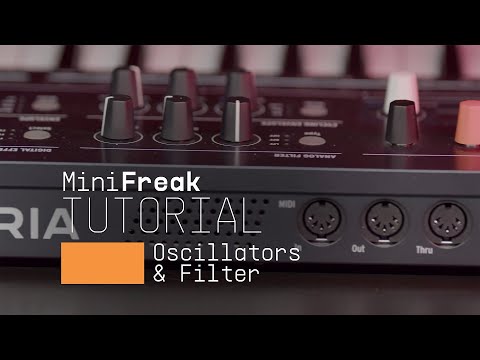
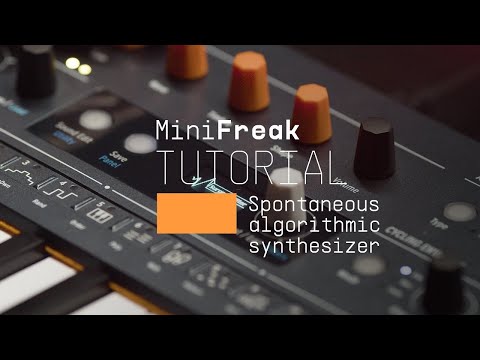
Playlist de tutoriels
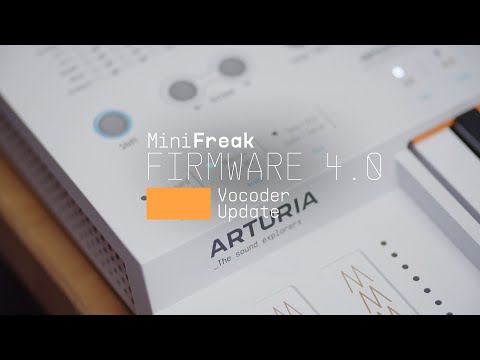
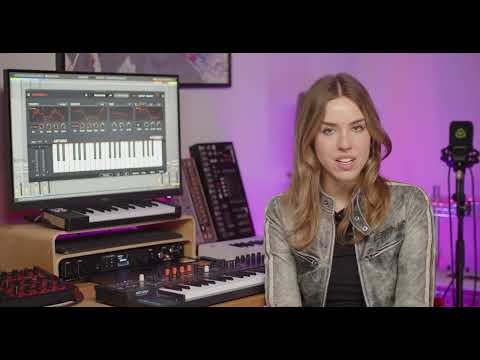
Update 4.0 | Vocoder
In this in-depth tutorial, we'll walk you through everything you need to know to harness the creative power of the MiniFreak's new vocoder capabilities. Discover how to set it up, explore its unique parameters, and start transforming your voice, drums, and other audio sources into incredible new textures. Whether you're aiming for classic robot vocals or groundbreaking sound design, Update 4.0 opens up a universe of sonic possibilities for your Freak.
Plus d'informations
grâce à nos manuels
To learn even more, you can find the manuals on MiniFreak Vocoder Edition's Resources page: