Einrichtung
MiniFreak
- Registriere dein MiniFreak um deine enthaltene Lizenz freizuschalten für MiniFreak V Lizenz.
Got a MiniFreak? Registering it unlocks its extra features in MiniFreak V.
Im Lieferumfang deines MiniFreak ist ein identisches VST-Pendant enthalten, das den gleichen markanten Hybrid-Sound inklusive emulierter Analogfilter bietet. Du kannst es in deiner DAW nutzen, das die gleichen Presets, egal ob Hardware oder Software verwenden, das VST-Instrument mit den Bedienelementen des MiniFreak synchronisieren und Firmware-Updates machen.
Already have MiniFreak V installed?
You can skip step 2 and go straight to step 3. - Download & install MiniFreak V.
This also installs Arturia Software Center, where you’ll manage your licences and updates. Erfahre mehr
- Verbinde deinen MiniFreak per USB, schalte ihn ein und öffne dann den MiniFreak V, making sure you’re online. If you don’t have the latest firmware, you’ll see instructions on how to update.
Learn more
with our MiniFreak tutorials
Starte deine kreative Reise. Entdecke wichtige Funktionen, Tipps und Tricks für dein Sounddesign, clevere Produktions-Hacks und vieles mehr.
Tutorial-Playliste
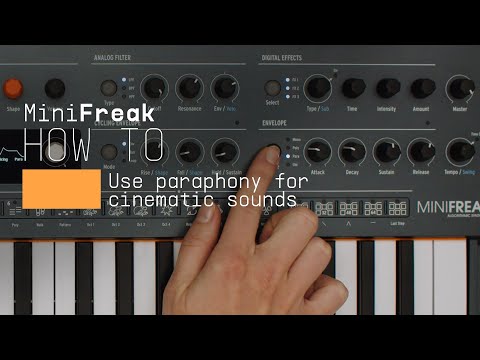
How To | Use paraphony for cinematic sounds
MiniFreak & MiniFreak V's voices can be extended to 12 with paraphony, letting you produce powerful, dense sounds. In this video, Lena shows you how to set yours up for truly cinematic musical soundscapes using more voices.
Weitere Informationen
in unseren Handbüchern
To learn even more, you can find the manuals on MiniFreak's Resources page: